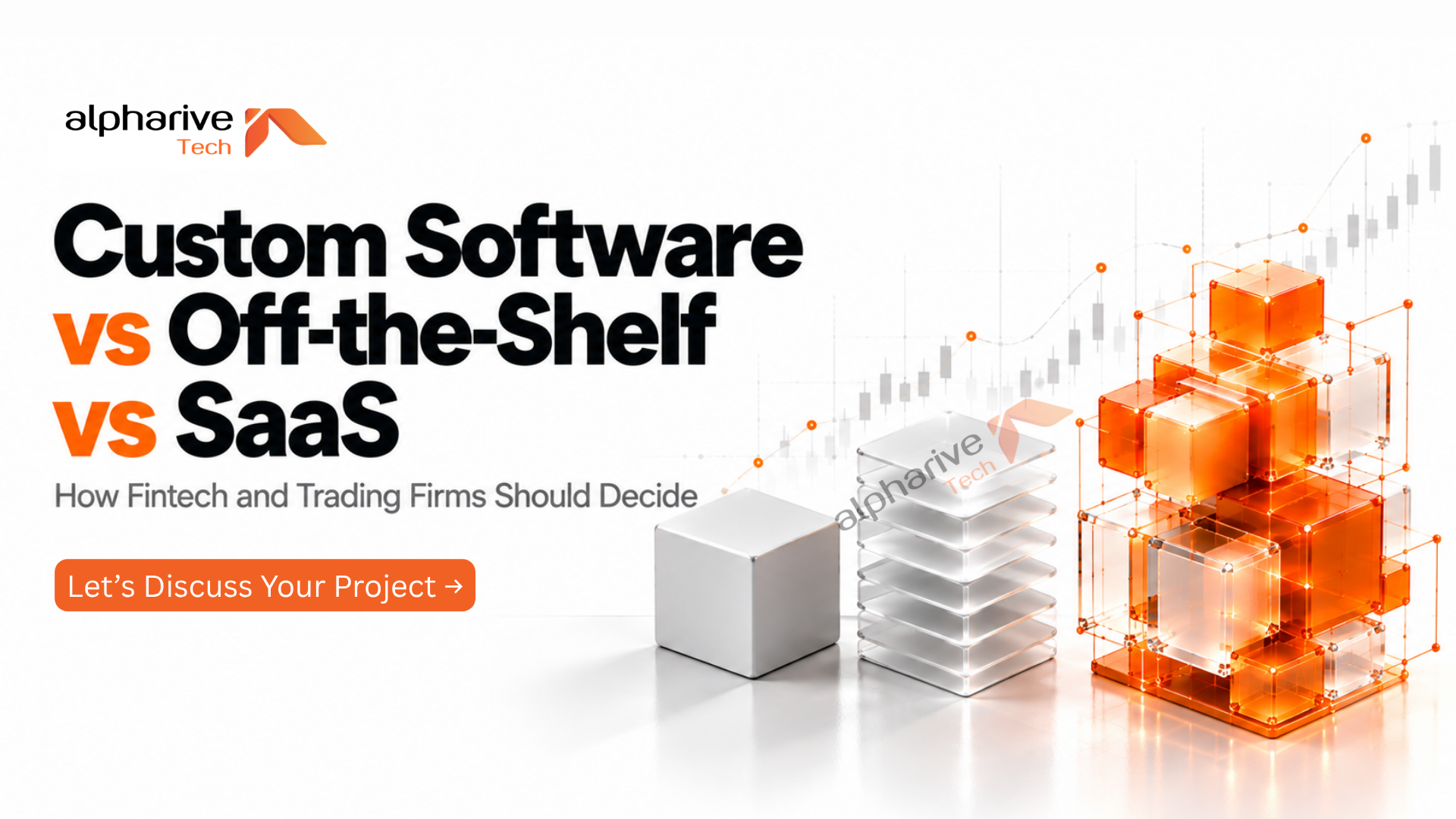
Sooner or later every growing company reaches the same fork. Do we build our own system, buy a ready-made product, or rent a cloud service and get on with the day? It sounds like a technical question. It is really a question about money, control and how much your process matters to your business.
This guide compares custom software vs off-the-shelf software vs SaaS in plain terms. It is written with fintech and trading firms in mind, because regulated, integration-heavy businesses face trade-offs that a general guide misses. If you are a different kind of business, most of it still applies.
The short answer
Option | Best when | Main risk |
|---|---|---|
Off-the-shelf software | Your process is standard and you need something working soon | It may not fit your edge cases, and changes are limited |
SaaS (subscription) | You want a fast start, low upfront cost, and the vendor to handle updates | Fees grow with users, you have less control, and leaving can be hard |
Custom software | Your process is your advantage, your rules are strict, or your systems must connect deeply | Higher upfront cost and a longer build, and you own the maintenance |
Hybrid | You want to learn first, then replace the parts that do not fit | Needs a plan so the pieces work together |
There is no winner. The right answer depends on how standard your needs are, how many systems you must connect, what rules you operate under, and how long you plan to use the system.
What each option actually means
Off-the-shelf software is a ready-made product that you buy or license and then configure. SaaS, short for software as a service, is software you rent online. The vendor runs it, updates it and usually charges per user each month. Custom software is built around your workflows by a development team, and you normally own the result.
The lines are blurrier than they used to be. Many SaaS tools can be adjusted with settings, add-ons and APIs, and many custom builds reuse ready-made components. Think of it as a spectrum of how much of the system is shaped to you.
Custom software vs off-the-shelf vs SaaS, side by side
Factor | Off-the-shelf | SaaS | Custom |
|---|---|---|---|
Time to start | Fast to moderate | Fastest | Slowest |
Upfront cost | Moderate licence cost | Lowest | Highest |
Ongoing cost | Maintenance and upgrades | Subscription that often grows with users | Hosting, maintenance and developer time |
Fit to your process | Good for standard needs | Good for standard needs, limited changes | Built around your workflow |
Integrations | Depends on vendor options | Depends on the vendor's APIs | Designed around your systems |
Control of data | Higher if hosted by you | Vendor holds the data, so check location and export | Full control |
Compliance and audit | Depends on the product | Depends on the evidence the vendor provides | Designed for your rules, and you maintain it |
Updates | Vendor releases, you schedule them | Vendor pushes them | You decide |
Leaving | Moderate | Can be hard if data export is poor | You own the code, subject to your contract |
What to count in the total cost
The first-year price is the least useful number. Compare the full picture over several years:
- Licence or per-user fees, and how they grow as your team grows
- Customisation, add-ons and extra modules
- Integration work with the systems you already use
- Moving your existing data in
- Training and support
- Compliance reviews and audits
- The cost of downtime when the system fails
- The cost of leaving, including getting your data out
What changes for fintech and trading firms
- Records and audit trails: regulators generally expect firms to keep accurate records of who did what. Check that you can export a complete history from any system you adopt.
- Data location and access: ask where data is stored and who at the vendor can see it. In the EU, GDPR adds duties around personal data.
- Platform links: trading platforms, payment providers, identity check tools and reporting tools all need to connect. Check API limits before you commit.
- Commission and partner logic: tiered partner and introducing broker structures are rarely standard in ready-made tools.
- Uptime and support: markets do not wait. Ask what response times the vendor commits to.
- Speed of change: when rules change, you need new reports and fields quickly.
Examples by system
CRM
A ready-made CRM handles a standard sales pipeline well. The fit gets harder when your process includes identity checks, partner commissions or account links to a trading platform. Our guides on custom CRM vs off-the-shelf CRM, the cost to build a custom CRM and how to build a CRM go through those trade-offs in detail, and our CRM development page explains how we approach the work.
Forex CRM
Brokers have extra needs such as client onboarding, partner structures and platform links. Read generic CRM vs forex CRM and custom vs white label forex CRM to see where a general tool stops fitting, or look at our forex CRM software page.
Crypto exchange
The same question shows up when launching an exchange: build it or launch on a ready-made platform. We compare the two routes in custom vs white label crypto exchange. If your project also involves digital assets more broadly, our guide to blockchain in fintech covers where blockchain makes sense.
Other business systems
The same logic applies to back office tools. See ERP development if you are weighing an ERP, and MVP software development if you want to test an idea before committing to a full build.
A 10-question decision checklist
- Is this process a source of advantage for us, or just a cost of doing business?
- Would a ready-made product cover most of what we need without workarounds?
- How many people will use it now and in three years, and how does pricing grow with them?
- Which systems must it connect to, and do they have stable APIs?
- What rules apply to our data, and where must it be stored?
- Can we export everything in a usable format if we leave?
- Who will maintain the system, and do we have that skill in-house or on contract?
- How quickly do we need to launch?
- How often do our requirements change?
- What happens if the vendor raises prices, changes the product or closes?
If your answers lean towards standard needs, speed and few changes, a subscription or ready-made product is usually the better start. If they lean towards deep integrations, strict data rules and processes that set you apart, custom software deserves a serious look. A mix of both points to the hybrid path.
The hybrid path
You do not have to choose once and forever. Start with a subscription while you learn what you really need. Keep your data clean and exportable. When a pain point appears that the product cannot solve, build that piece as a custom add-on or replace it. An MVP is a sensible way to test a custom idea before committing to the full build. Write exit terms into any contract on day one.
Common mistakes
- Comparing only the first-year price
- Ignoring the cost of integrations
- Treating a subscription as if it needs no administration
- Building custom software with no plan for maintenance
- Skipping the data export check
- Building before the process has been mapped
How Alpharive can help
Alpharive builds custom software, CRMs, ERPs and fintech apps, and we help you choose the right approach before we build. A short scoping conversation is often enough to tell you whether a ready-made product will do or whether a custom system is worth it. If you are comparing partners, our guide on how to choose a custom software development company lists what to ask.
Ready to talk it through? Contact our team.
Frequently asked questions
What is the difference between custom software and off-the-shelf software?
Custom software is built around your workflows and normally owned by you. Off-the-shelf software is a ready-made product you license and configure. Custom fits your process more closely, while off-the-shelf starts faster and costs less upfront.
Is SaaS cheaper than custom software?
SaaS usually costs less to start, but subscription fees often grow with the number of users and add-ons. Custom software costs more upfront and has no per-user licence fees, though it has maintenance costs. Compare the total over several years.
When does custom software make sense?
Custom software makes sense when your process gives you an advantage, when you must connect many systems deeply, or when data and compliance rules are strict enough that standard products cannot meet them.
What are the risks of SaaS for a regulated business?
The main risks are data location, limited access to a full audit history, vendor changes you cannot control, downtime outside your hands, and difficulty exporting data if you leave. Check each of these before you sign.
How long does custom software take to build?
It depends on scope. Starting with an MVP shortens the first release. Ask any vendor for a written plan with milestones so you can track progress.
Can I start with SaaS and move to custom later?
Yes. Keep your data exportable, use APIs where you can, and agree exit terms in the contract. Many firms replace only the parts that no longer fit.
How do I choose a custom software development company?
Ask how they scope projects, how they handle security and testing, what support they offer after launch, and who owns the code. Look for clear answers and a process you can follow.