Ask the presenter to credit the same deposit twice.
Use test funds, of course. The point is to see whether the CRM recognises an event it has already processed. A tidy dashboard will not tell you that. A repeated payment notification will.
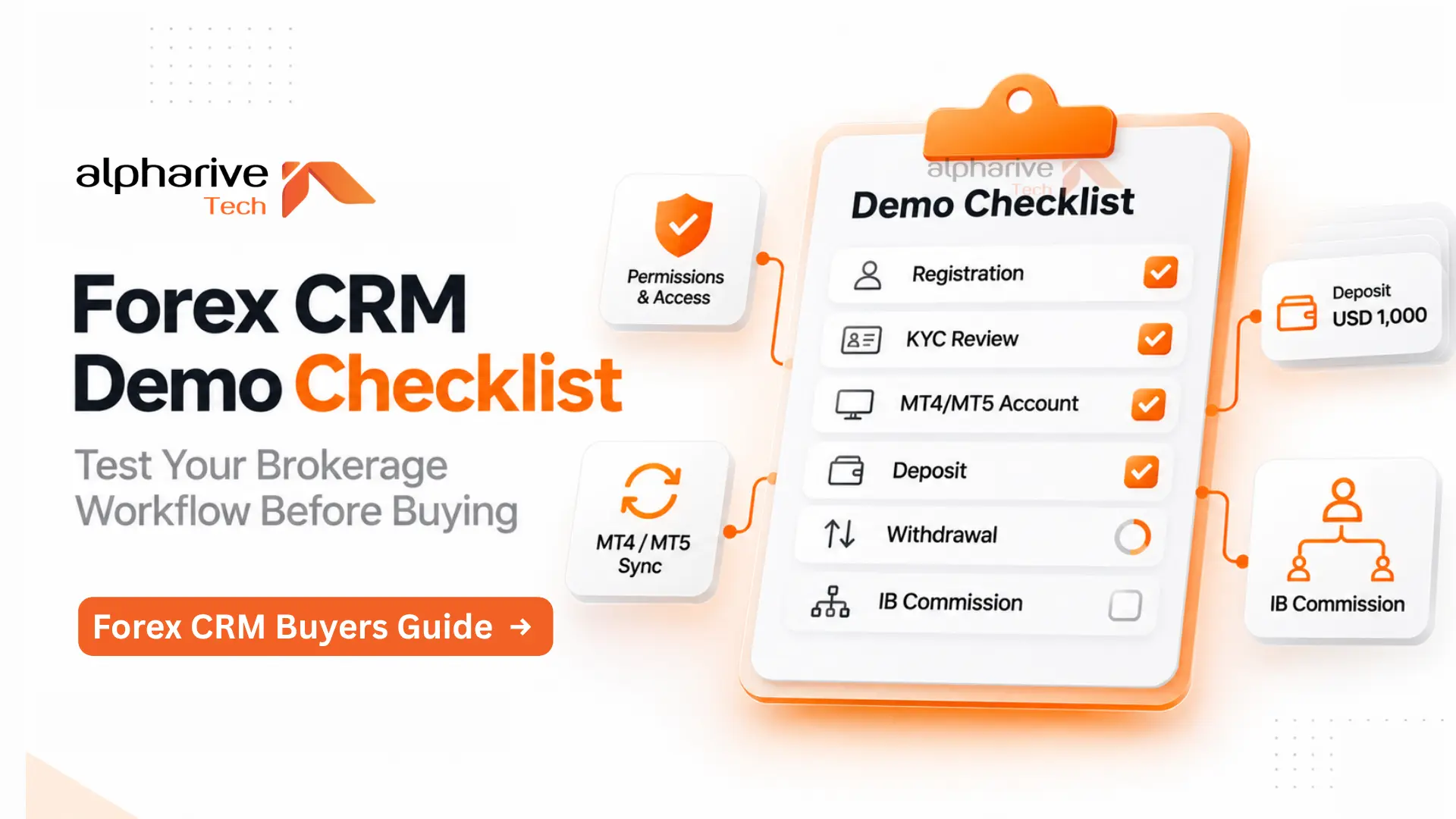
A Forex CRM demo checklist should follow a client through registration, verification, trading account creation, funding, withdrawals and partner commissions. Run the workflow with your own test cases. Keep the resulting records so you can compare what each vendor demonstrated.
If you are buying Forex CRM software for your brokerage, arrange a working session with the people who will use it. Sales, compliance and finance should each get a turn at the controls.
Book a working demo with your own test data
Send the vendor a short scenario before the call. Include your trading platforms, legal entities, client types, payment providers and introducing broker structure. Use synthetic identities and sandbox connections rather than customer documents or live credentials.
Ask which parts of the demo are connected, simulated or still being developed. A mock payment provider is useful for testing a screen. It does not establish that your intended payment integration works.
Bring an approved client, an applicant awaiting review, a duplicate registration and a client linked to an introducing broker. Prepare separate staff logins for sales, compliance, finance and support.
The following 90 minute agenda is a suggested working format, not an industry benchmark. Leave commercial questions until you have seen the operations.
Time | What your team should run |
|---|---|
0 to 10 minutes | Confirm the environment, integrations and staff permissions |
10 to 25 minutes | Register clients and test verification decisions |
25 to 40 minutes | Create trading accounts and interrupt synchronisation |
40 to 60 minutes | Process deposits, withdrawals and repeated notifications |
60 to 75 minutes | Calculate introducing broker commissions and inspect access controls |
75 to 90 minutes | Export records and agree which tests need a separate session |
Migration and recovery exercises may need more time. Schedule them explicitly rather than accepting a verbal answer at the end of the call.
Start with an applicant who cannot be approved yet
Register a client, submit incomplete verification information and pause the review. Switch to a sales login and try to activate the account.
The system should follow your approved policy for that status. If sales cannot approve applicants, the restriction must hold through the backend as well as the visible screen. Ask the vendor to demonstrate the denied action and its record.
Continue with an authorised reviewer. Reject one document, request a replacement and complete the review. Inspect the history for the reviewer, reason, timestamps and document version.
Identity verification and permission to use a product are separate decisions. For an FCA authorised firm serving UK retail CFD clients, the onboarding design also needs to support the firm's appropriateness process. A verified passport does not establish that an applicant understands CFDs.
For a UAE brokerage, specify the licensed entity and applicable requirements before testing. The DFSA regulates financial services in or from the DIFC, while the FSRA regulates financial services in ADGM. A generic "UAE compliant" label does not describe your entity's workflow. Add other GCC entities only after your compliance team has defined their requirements.
Retain the failed application record as well as the approved one. You need to see how the CRM handles both.
Create an MT4 or MT5 account and interrupt the connection
Ask the vendor to create a trading account from the client record. Check the requested server, account group, base currency and permitted settings against the account that appears on the trading platform.
For an MT4 CRM integration, require evidence from the intended MT4 environment. For MT5, establish which API and permissions the integration uses. MetaTrader 5 provides distinct APIs for management utilities and web service integration, so the word "API" alone tells you little about the access supplied.
Review the MT5 account integration workflow against your actual server setup, including who owns the credentials and who pays for the required access.
Now simulate a timeout during account creation. Retry the request. Check whether the CRM finds an account already created on the platform or creates a duplicate. Operations should have a clear way to resolve an uncertain result.
Change a permitted account setting and inspect the synchronisation history. If information becomes stale, the CRM should show the last successful update and expose the problem to staff.
Also distinguish account balance from equity. Open positions can change equity while balance remains unchanged. Ask which values the CRM imports, when it refreshes them and which system your team should treat as authoritative.
Repeat a deposit notification and inspect the entries
Use a sandbox deposit of USD 1,000. Follow it from the payment provider's reference to the CRM record and, where the workflow requires it, the trading account credit.
Replay the same authenticated notification. The credited amount should remain USD 1,000. This tests idempotency: processing the same operation again should not repeat its financial effect.
Payment event delivery can involve retries, duplicate notifications and events arriving out of order. Ask the vendor to demonstrate those conditions using the provider's documented behaviour. Do not assume that a successful payment will always reach the CRM once, in the expected sequence.
Test a pending payment before marking it successful. Send an invalidly signed notification too. It should not change the client's funds.
Your finance team should then reconcile the provider reference, fees, credited amount and settlement status. Those amounts can differ under the agreed payment arrangement. The interface needs to preserve the distinction.
These are Forex back office operations worth testing while the integration specialist is on the call. A screenshot of a successful deposit cannot answer questions about replay or reconciliation.
Try to approve your own withdrawal
Submit a withdrawal as the client. Open it as a finance user and follow the approval process your brokerage requires.
If your policy separates the person requesting or preparing a payment from its approver, try using the same staff account for both actions. The system should refuse the second action. If a threshold changes the approval route, test an amount on each side of that threshold.
Then make the payout provider return a timeout. Inspect whether the withdrawal remains pending and how staff establish whether money has already moved before retrying. Repeat the request and check that it cannot create a second payout.
Reject a different withdrawal and inspect how the CRM releases any reserved funds under your accounting design. The client should see a clear status and the explanation your policy permits.
Use the trader room requirements to check the client's view alongside the staff view. A finance operator may understand an internal status code. The client still needs to know whether the request is awaiting review, processing or complete.
Calculate an introducing broker payout yourself
Bring a small worked example. You should be able to calculate the expected result before the vendor runs it.
Suppose your illustrative agreement pays a direct introducing broker USD 8 per eligible closed lot and a parent partner USD 3 per eligible closed lot. For 12 eligible lots, the expected amounts are USD 96 and USD 36. If the agreement requires reversing two of those lots, the adjustments are USD 16 and USD 6.
These figures are test inputs, not typical market rates.
Run the example and inspect the records behind each amount. Agree what counts as an eligible lot, whether the rule uses opening or closing activity, which instruments it covers and how the system handles partial closes.
Change a commission rule with a future effective date. Previously approved payouts should retain their original calculation unless your authorised process deliberately adjusts them. Check the permission needed to make that adjustment and the history it leaves.
If the vendor needs a spreadsheet to explain the payout, ask whether your operations team will also need that spreadsheet every month.
Give support a login and test its limits
Try these actions using the support role:
- Open a client record assigned to another restricted entity or team.
- Download identity documents beyond the role's permitted access.
- Change bank details, commission rates or withdrawal approvals.
- Export the entire client database.
- Continue using an existing session after an administrator removes access.
Have the vendor demonstrate the restrictions at the API level where relevant. Hiding a button does not prove that the underlying request is forbidden.
Inspect the audit history after an authorised change. You need to identify the actor and time, understand what changed, and retrieve the record later. Test whether an ordinary administrator can edit or erase that history.
For a multi entity brokerage, repeat a denied action across entity boundaries. Shared infrastructure should not accidentally give one operation access to another's clients.
Take an export before the demo ends
Ask for a permitted export of the test client, trading account identifiers, payment records, verification decisions and partner calculations. Include linked attachments and audit records where your retention and access policy requires them.
Check that stable identifiers connect the files. A collection of CSVs is hard to migrate if no field reliably joins a payment to its client or trading account.
For a migration, request a rehearsal with a representative synthetic or approved sanitised dataset. Reconcile record counts and relevant financial totals. Log exceptions and agree the cutover and rollback conditions before moving production data.
If you are comparing a custom build with a white label Forex CRM, use the same operational tests for both. Clarify which changes your team can configure, which need vendor development and what happens to your data when the agreement ends.
Record the result before discussing the price
Use four outcomes for every test: passed, failed, not tested or requires development. Record the environment, software version and evidence reference. A promised future feature belongs under development.
Set mandatory requirements before scoring vendors. An attractive interface should not compensate for a failed payout control that your brokerage requires.
Then compare the Forex CRM development costs against the work demonstrated. Request separate charges for setup, migration, integrations, usage, hosting, support and changes. Name the owner and acceptance test for each item still to be built.
For an Alpharive session, request a Forex CRM workflow demo and send your test cases first. Include the awkward cases your staff already struggle to resolve.
Questions buyers ask during a Forex CRM demo
What if the vendor cannot connect our payment provider during the call
Record the integration as untested. You can assess a simulated workflow, then arrange a sandbox test with the intended provider before accepting that integration. Keep the distinction in the proposal and acceptance criteria.
Does an MT5 connection prove the MT4 integration works
No. Require a separate demonstration for each platform in your scope. Confirm the server access, supported operations and recovery behaviour for the environment you will run.
Can a successful demo replace user acceptance testing
A demo helps you shortlist a vendor. User acceptance testing checks the configured system against the requirements you agreed to buy. Carry the demo scenarios into that test plan and repeat them after migration or material configuration changes.